
Connect to your SSH, RDP, SFTP, and database sessions with secrets protected by your Keeper vault.
Keeper has contributed to our toolbox GitHub repository and provided a complete implementation of a Dynamic Folder script to use the Keeper Secrets Manager in Royal TS (Windows) and Royal TSX (macOS) connections.
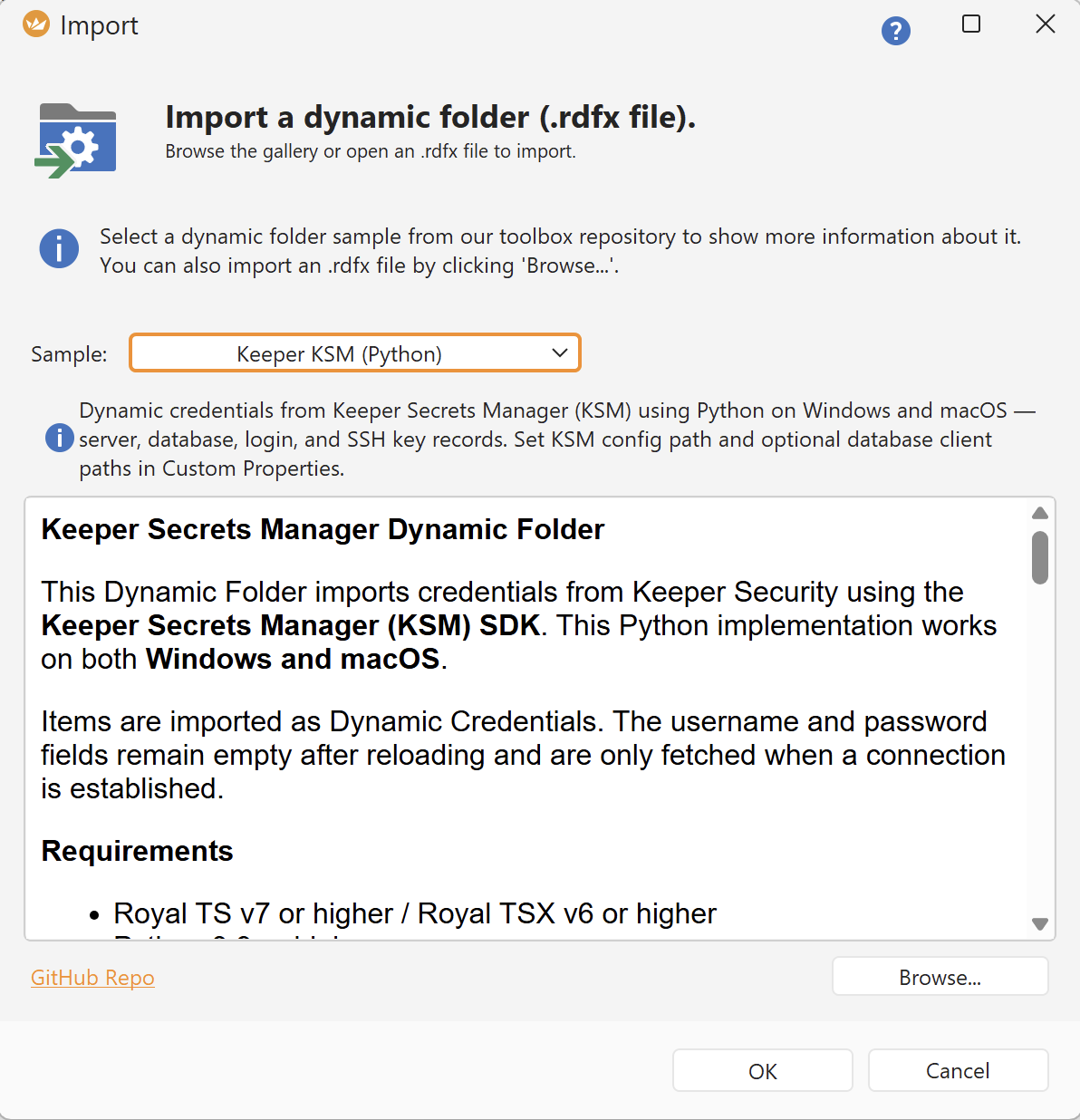
Royal TS (Windows): Data > Dynamic Folder File > Keeper > Keeper KSM (Python):
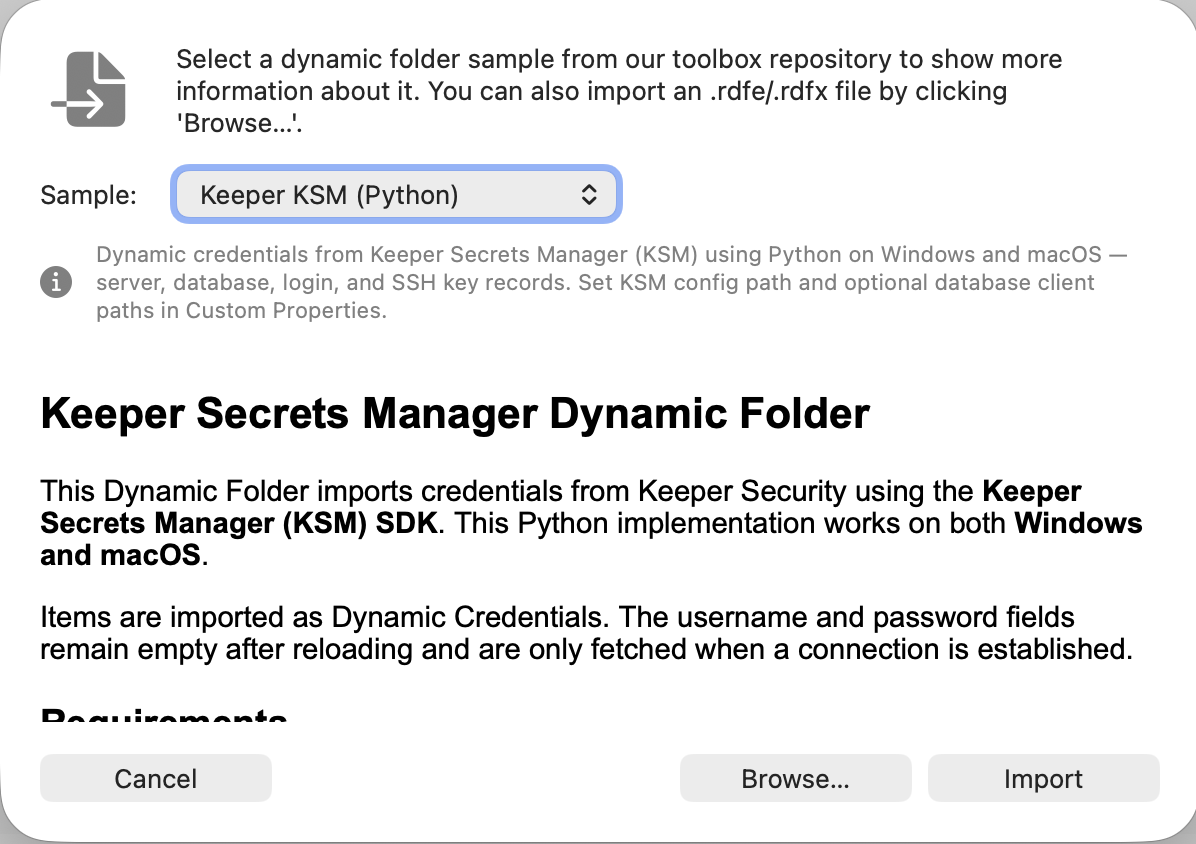
Royal TSX (macOS): File > Import > Dynamic Folder > Keeper > Keeper KSM (Python):
You can find their full documentation here.
It covers the following topics:
- Overview and requirements
- Step-by-step installation on Windows (Royal TS) and macOS (Royal TSX)
- KSM configuration setup with screenshots
- Server record examples (SSH, SFTP, RDP)
- Database record examples (MySQL, PostgreSQL, MSSQL, Oracle, MongoDB, Redis)
- Troubleshooting guide
- Security and compliance details


