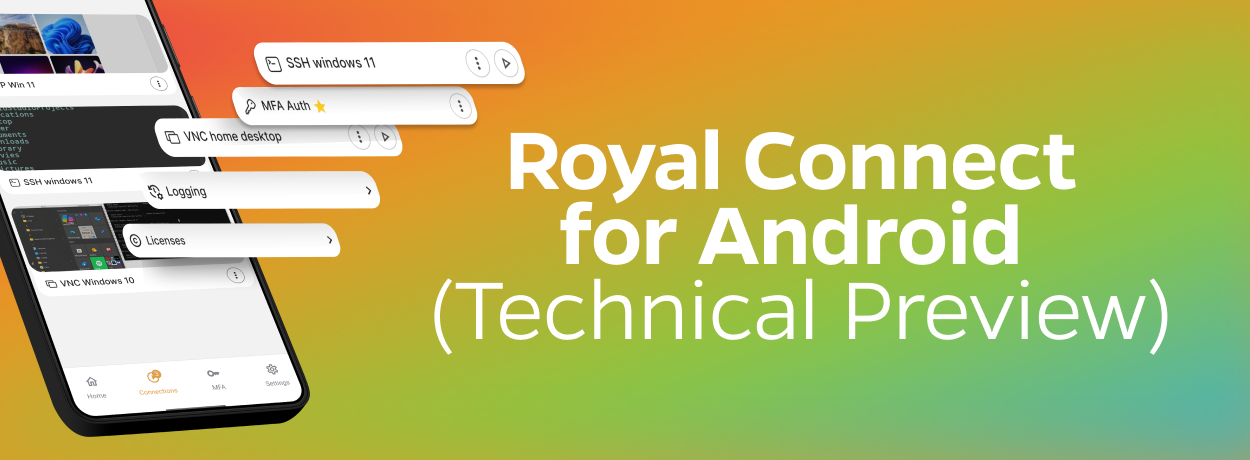
Royal Connect for Android Is Here
After more than a year of development, we’re excited to announce that Royal Connect for Android is now available on the Google Play Store.
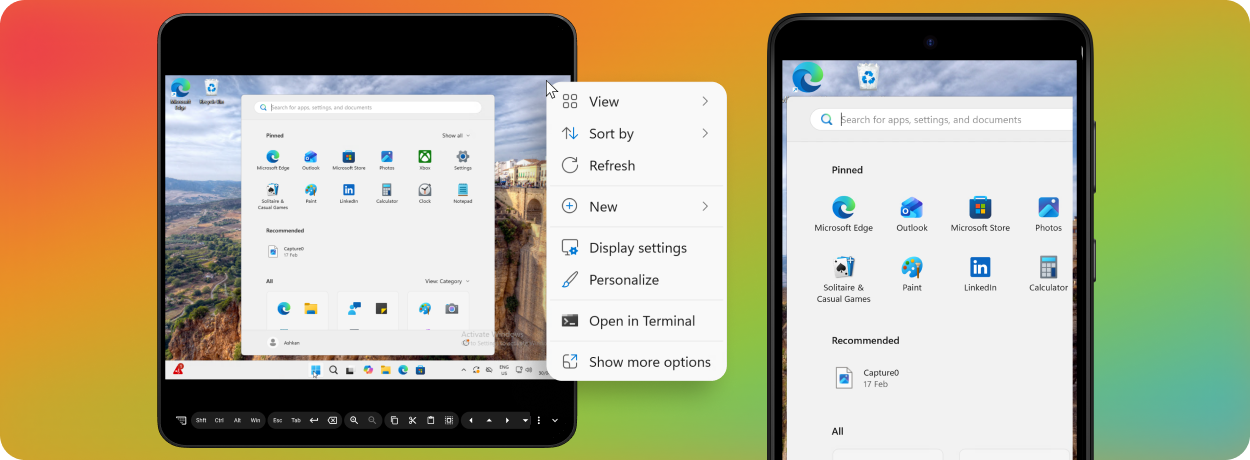
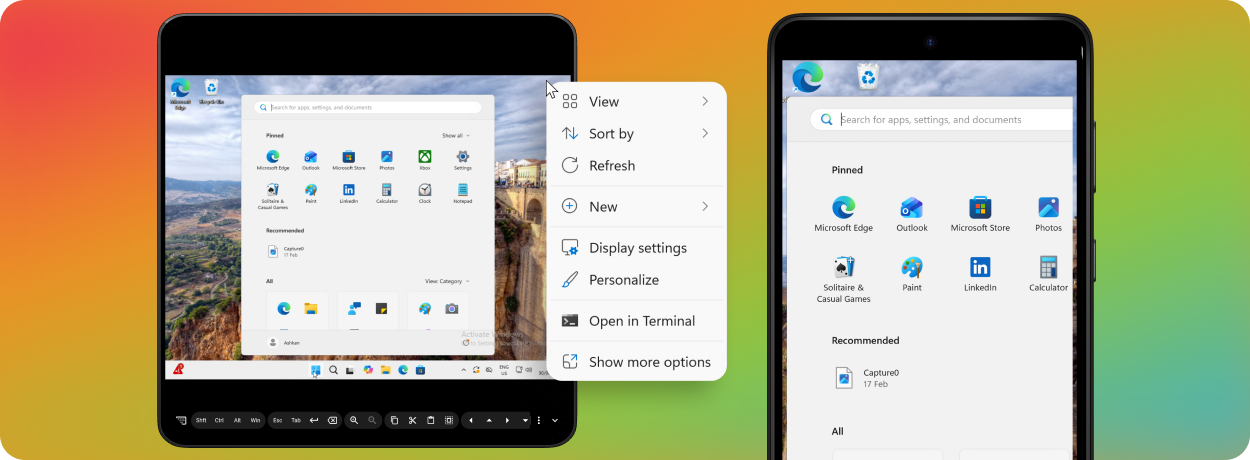
This release is a complete rewrite, built from the ground up as a truly native Android app. It’s optimized for both phones and tablets, with an interface that naturally adapts to different screen sizes.
It is important to point out that this first release is an early technical preview. The primary goal of which is to get Royal Connect into your hands and gather real-world feedback on the connection clients we’ve implemented so far.
We would also like to emphasize that Royal Connect for Android is completely free to use and will remain that way. Not only that, but it also does not require a Royal Connect Desktop, Royal Server license or any registration.
RDP, VNC, Terminal, and Web
The technical preview includes clients for RDP, VNC, Terminal, and Web page connections.
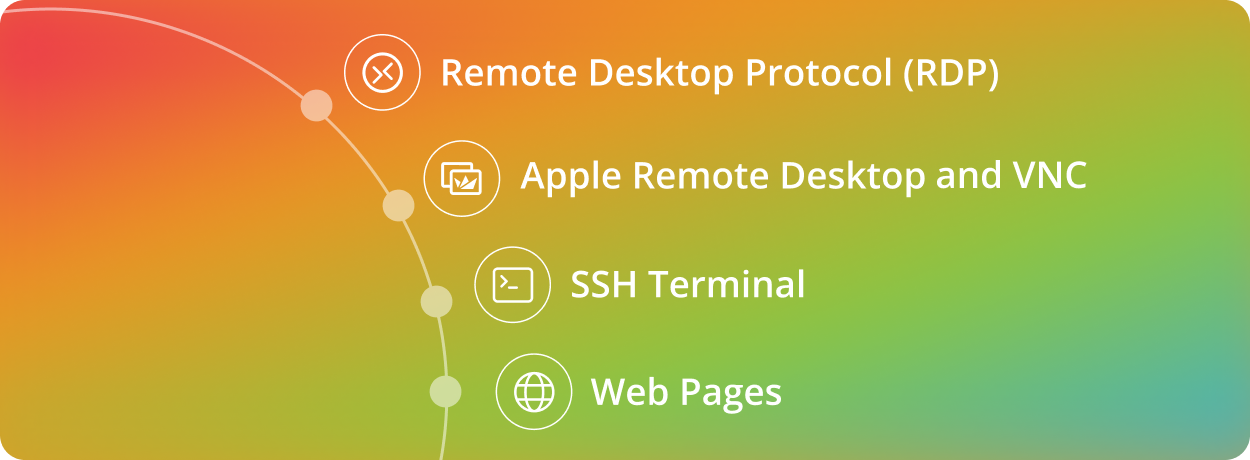
Our RDP client incorporates the proven FreeRDP implementation we’ve already been using successfully in Royal TSX for years. It brings that experience to Android in a client designed specifically for touch-based mobile devices.
For VNC, Royal Connect includes our brand-new RoyalVNC implementation. It offers rich support for Apple Remote Desktop (ARD) and works with other popular VNC servers. RoyalVNC is an important new part of our connection technology, and we’re especially interested in hearing how it performs across different servers and environments.
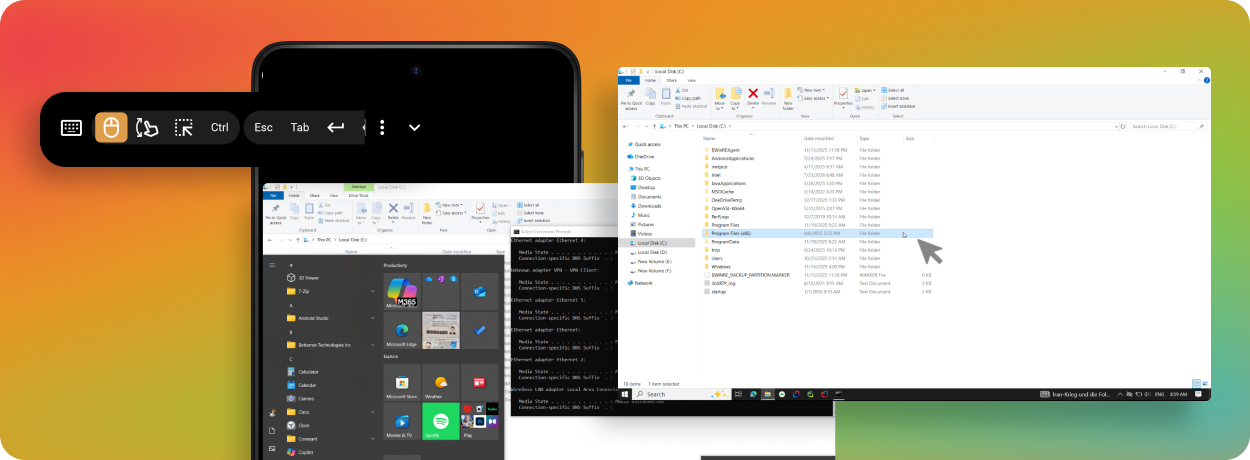
The terminal client is based on Ghostty, which is quickly becoming the new benchmark for modern terminal apps. It gives Royal Connect a fast and capable foundation for terminal connections.
You can also create web page connections for frequently used sites and web-based management interfaces.
Credentials and TOTP codes
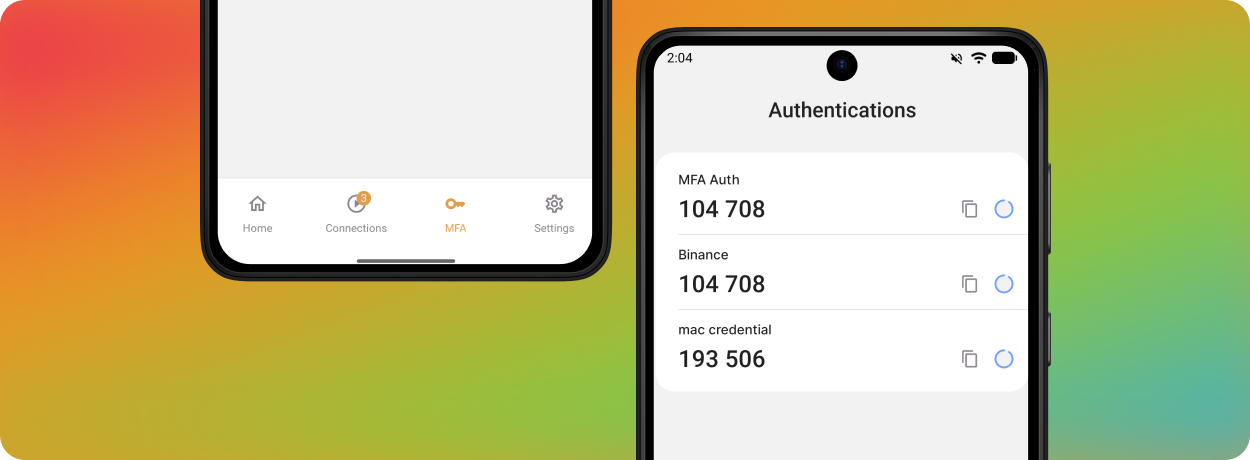
Royal Connect includes simple on-device credential management. Credentials can be saved separately and reused by your connections, so you don’t need to enter the same information every time.
Credential entries can also store TOTP information for multi-factor authentication. You can scan a TOTP QR code directly with your device and generate MFA codes inside Royal Connect. This means the app can also serve as an authenticator for the accounts and systems you manage.
Your information is stored securely and encrypted on the device. For additional protection, you can enable app locking and use the authentication options available on your Android device, including biometrics where supported.
What to expect from this technical preview
Please note that this release merely represents the foundations of Royal Connect; it does not yet include the complete Royal Connect feature set.
For now, connection and credential entries can only be created directly on the device. Royal documents from other locations or applications cannot yet be opened in the Android app.
Web page connections are supported, but automatic credential filling is not yet available in this preview. Sign-in details currently need to be entered manually.
Document support will become available when the Royal Connect Desktop applications are released as beta versions. We will also provide a migration path so that connections created on your Android device can later be moved into a user document.
Other connection types are not supported at this time. This applies in particular to management connections made through Royal Server.
We want to be transparent about these limitations while also making the current functionality available as early as possible. RDP, VNC, Terminal, Web connections, and credential management are ready for you to explore, and your feedback will help us decide what to focus on next.
This is just the beginning
Royal Connect for Android gives us a modern, native foundation that we can continue building on. More features and connection types will follow as the wider Royal Connect product line develops.
For now, we’d love for you to try the technical preview, connect to your systems, and let us know what works well—and what could work better.


