Happy New Year to all our users and everyone reading this article!
We're thrilled to announce that we're migrating our support portal, forums and our Knowledge-Base, which can be accessed via the new Royal Apps Customer Portal.
With this change, comes one user to rule them all, giving you the following advantages:
You can now use your unified Royal Apps Account to access these portals.
The new Royal Apps Customer Portal allows you to access your License information, create and view your support tickets via our new Helpdesk and engage in our forums through the Royal Apps Community.
Clicking on either Licenses, Helpdesk or Community will redirect you to various pages:
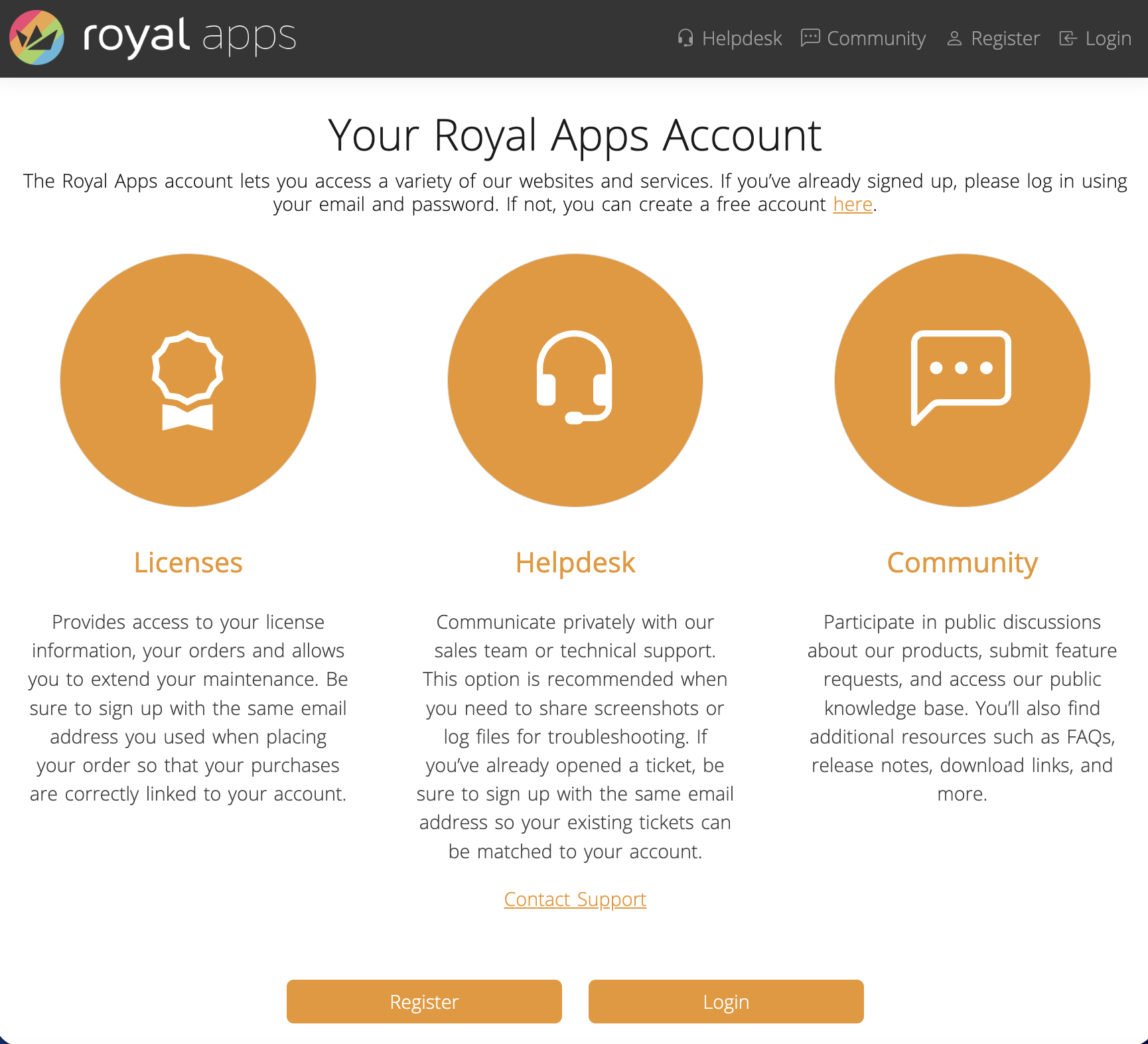
In order for you to use the portals, head over to royalapps.com/go/my-register and sign-up for a new Royal Apps Account using the email which was previously used to purchase a license or which was used to create a support ticket. Otherwise, choose an email to your liking:
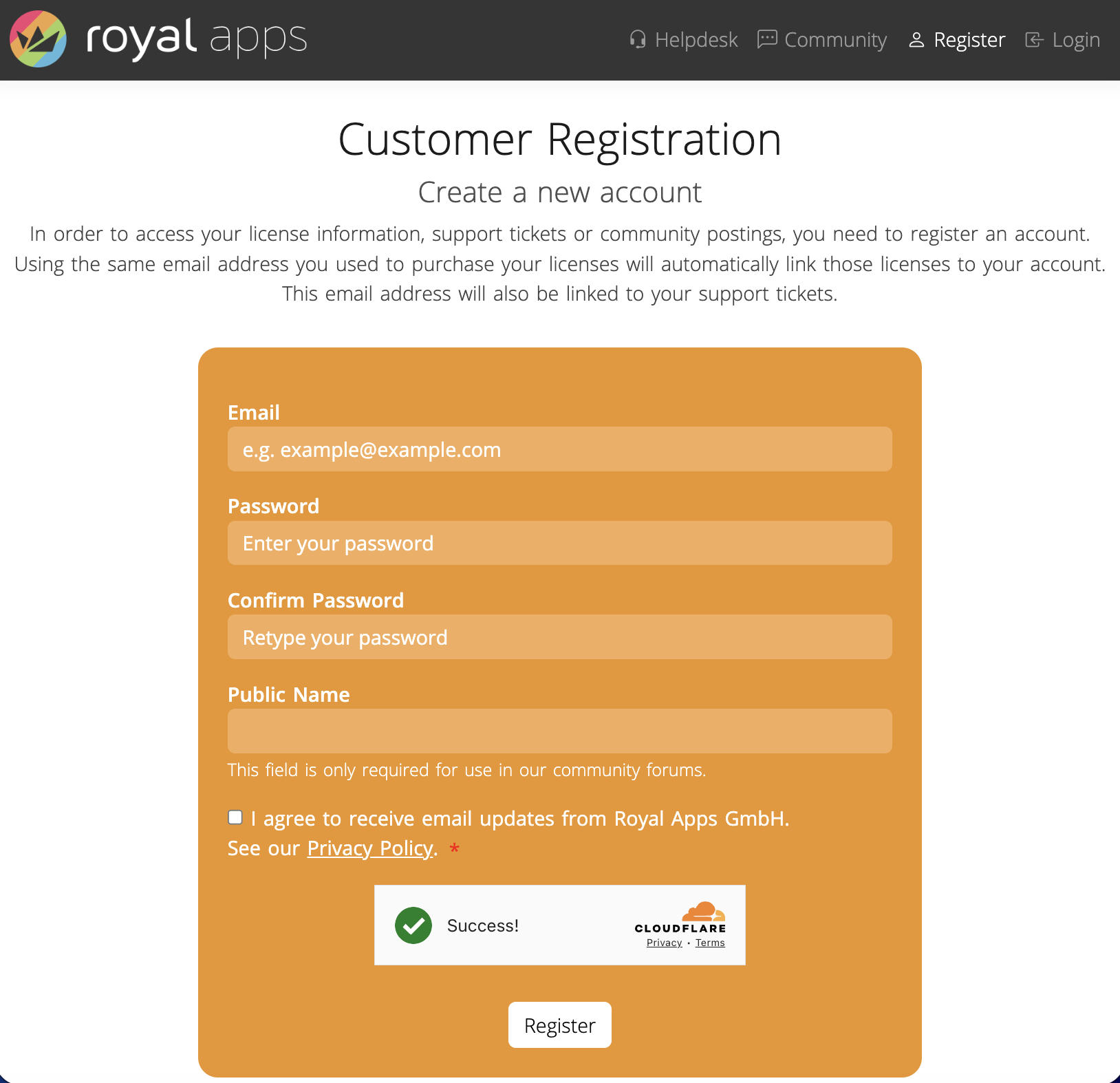
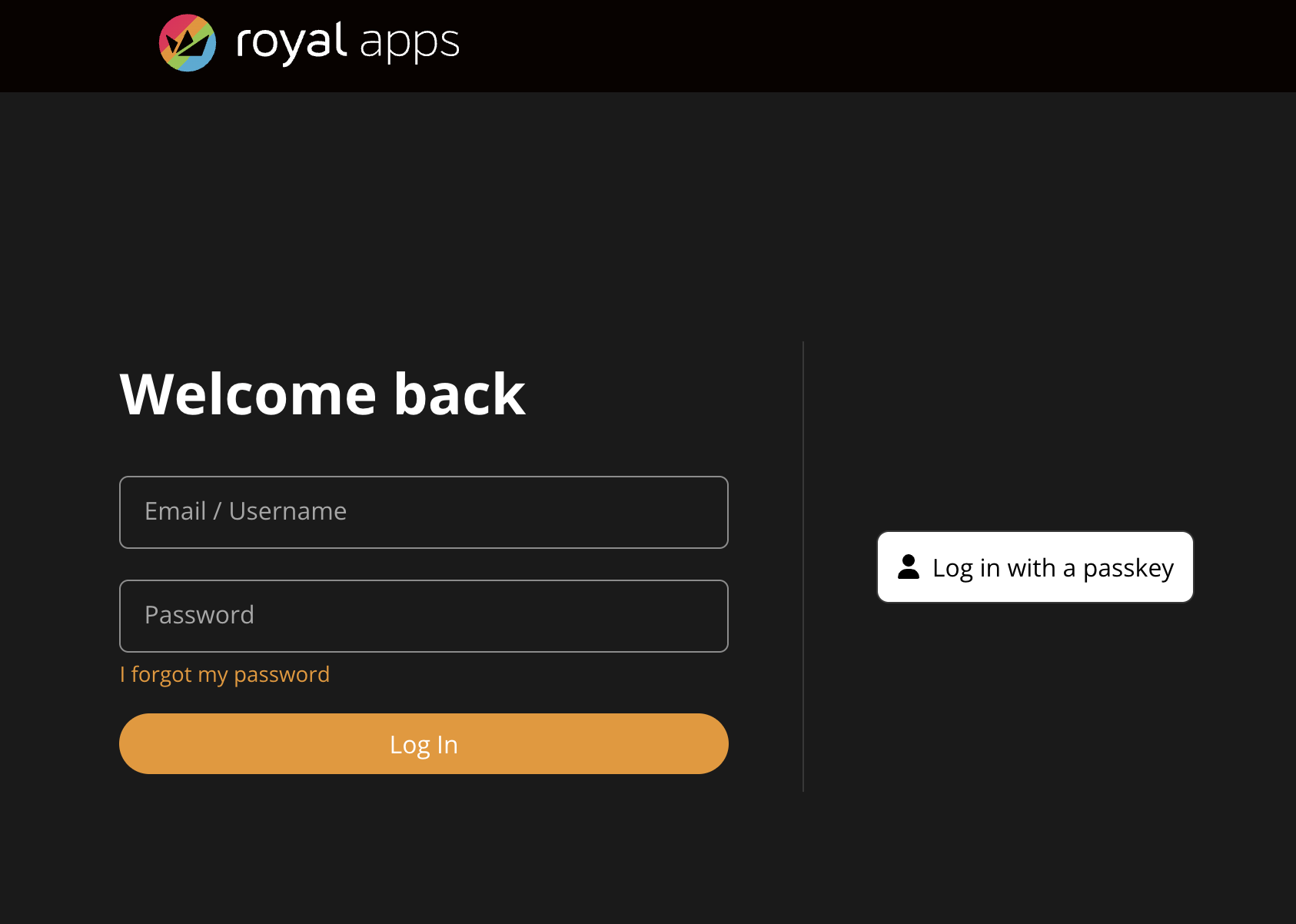
Once you've confirmed your email and signed up, you can log in via royalapps.com/go/my.
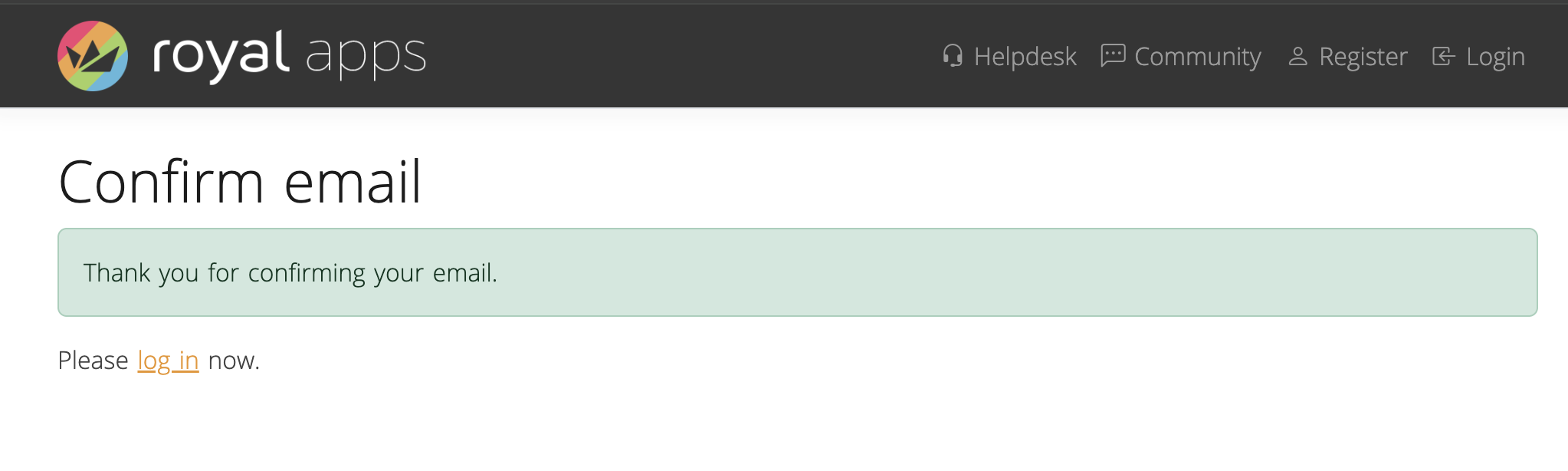
&
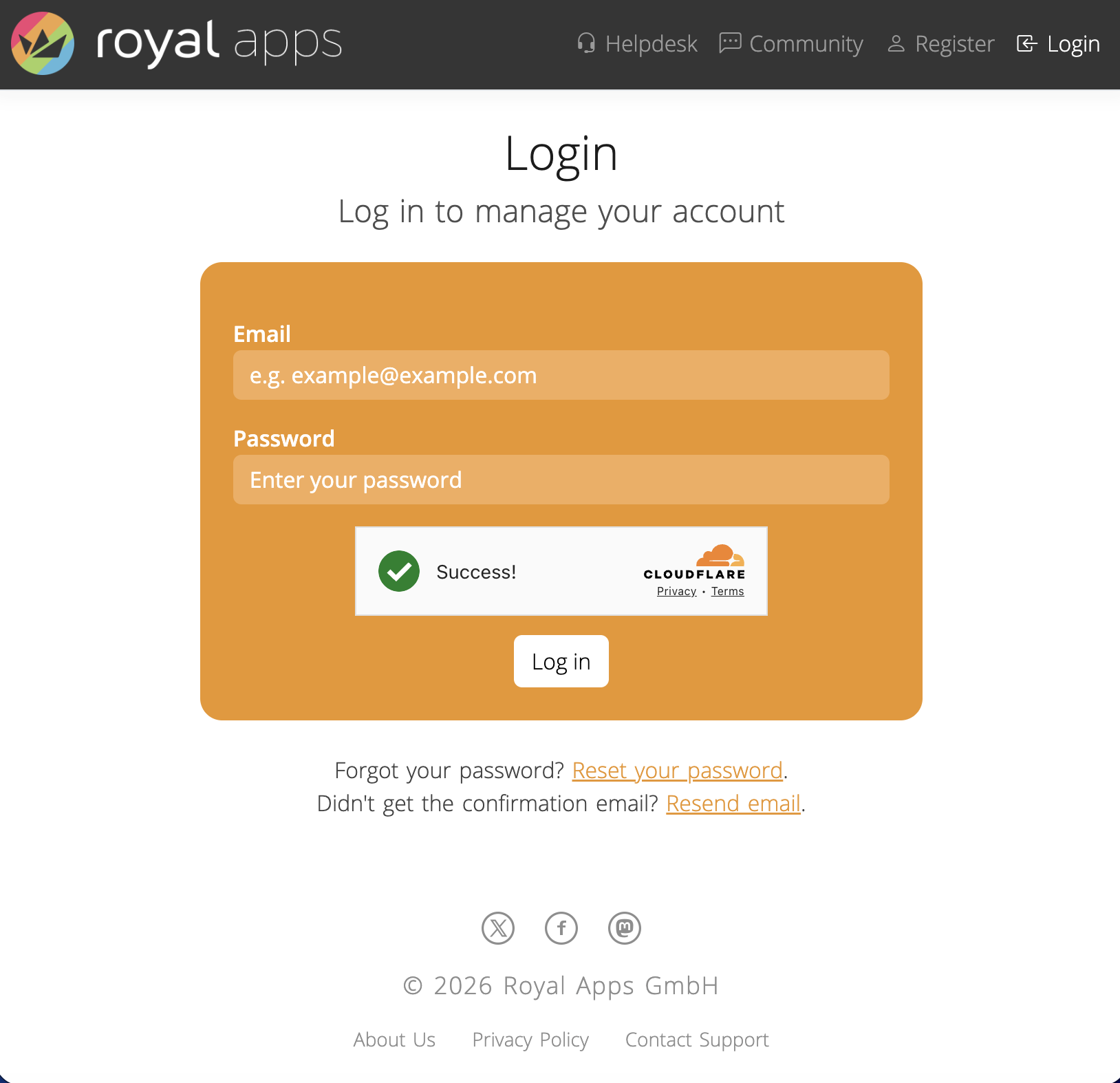
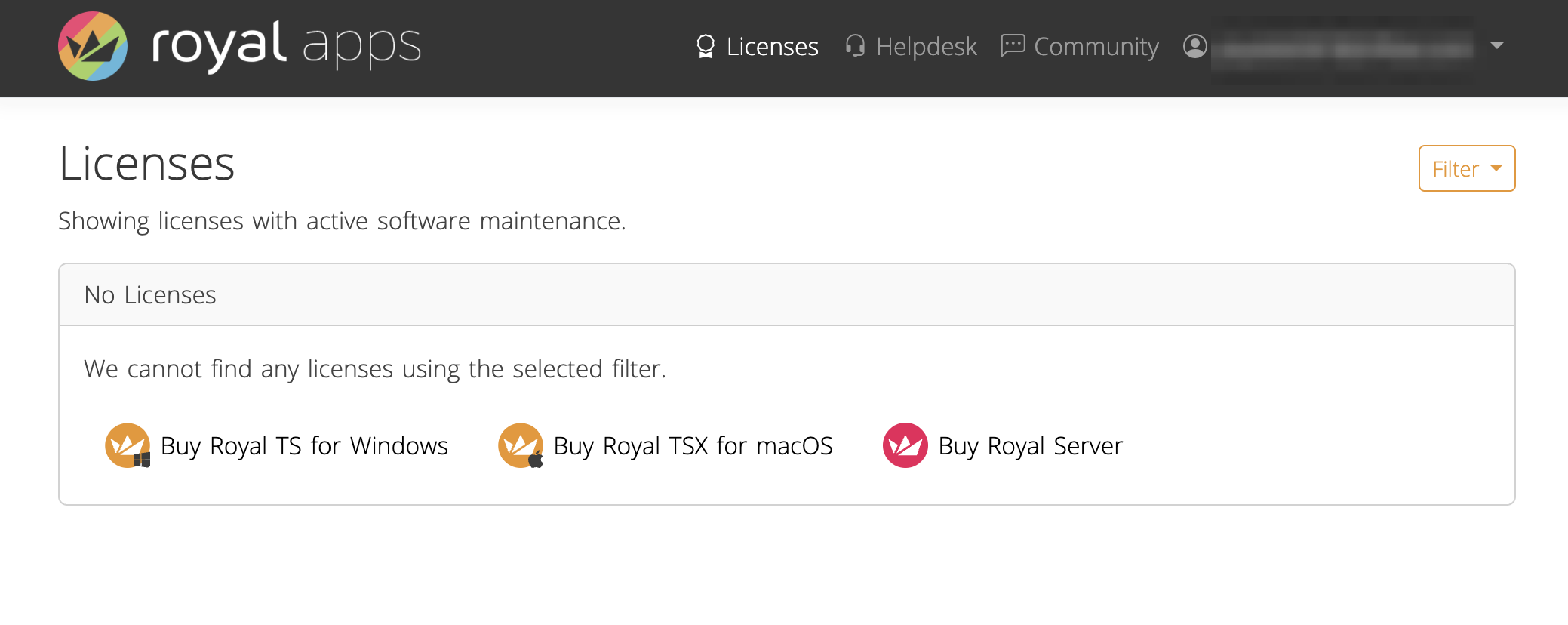
Which will then lead you to the Default page, the Licenses overview:
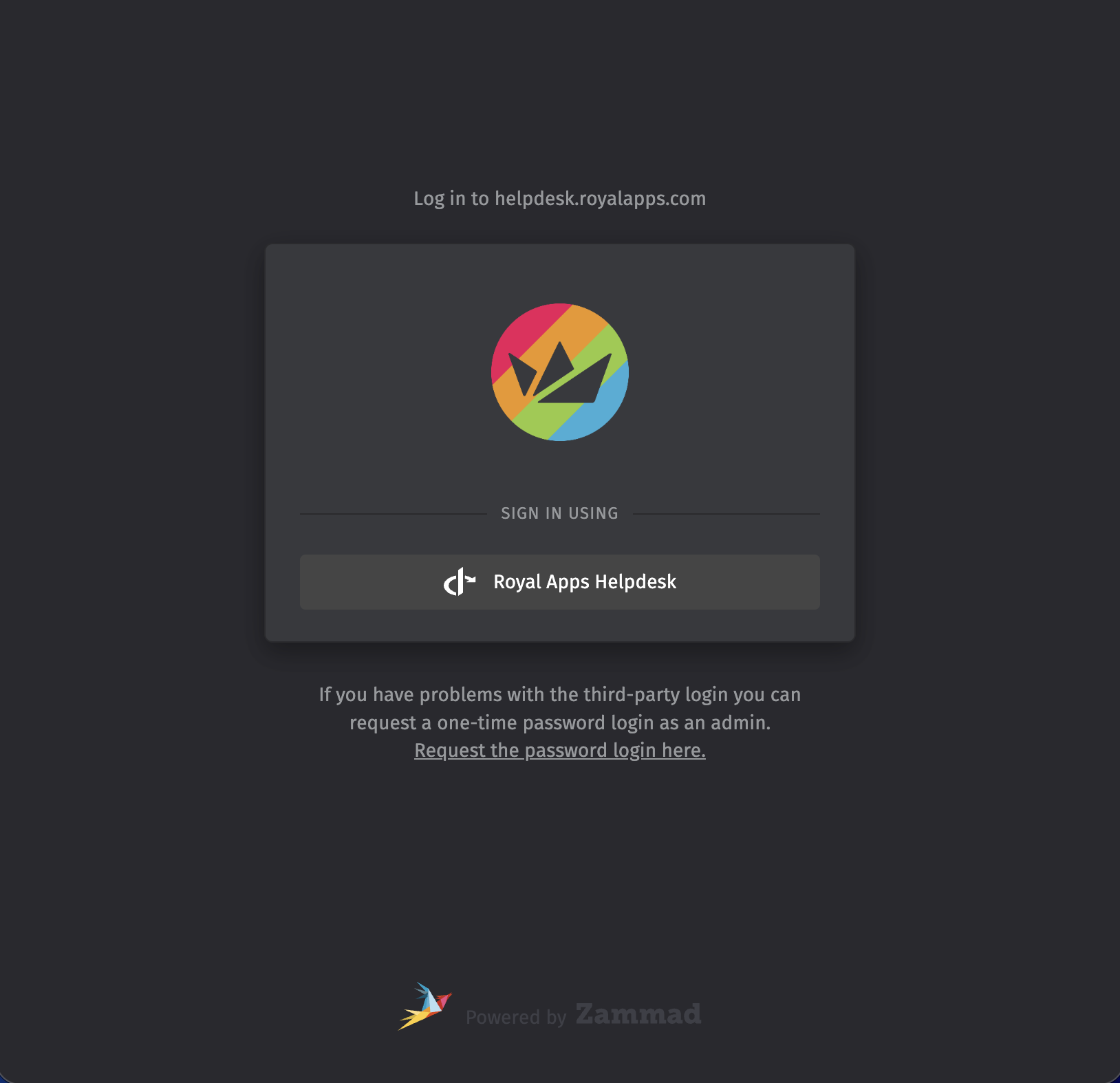
To create a new support ticket or access your existing support tickets, either click on Helpdesk or visit royalapps.com/go/support.
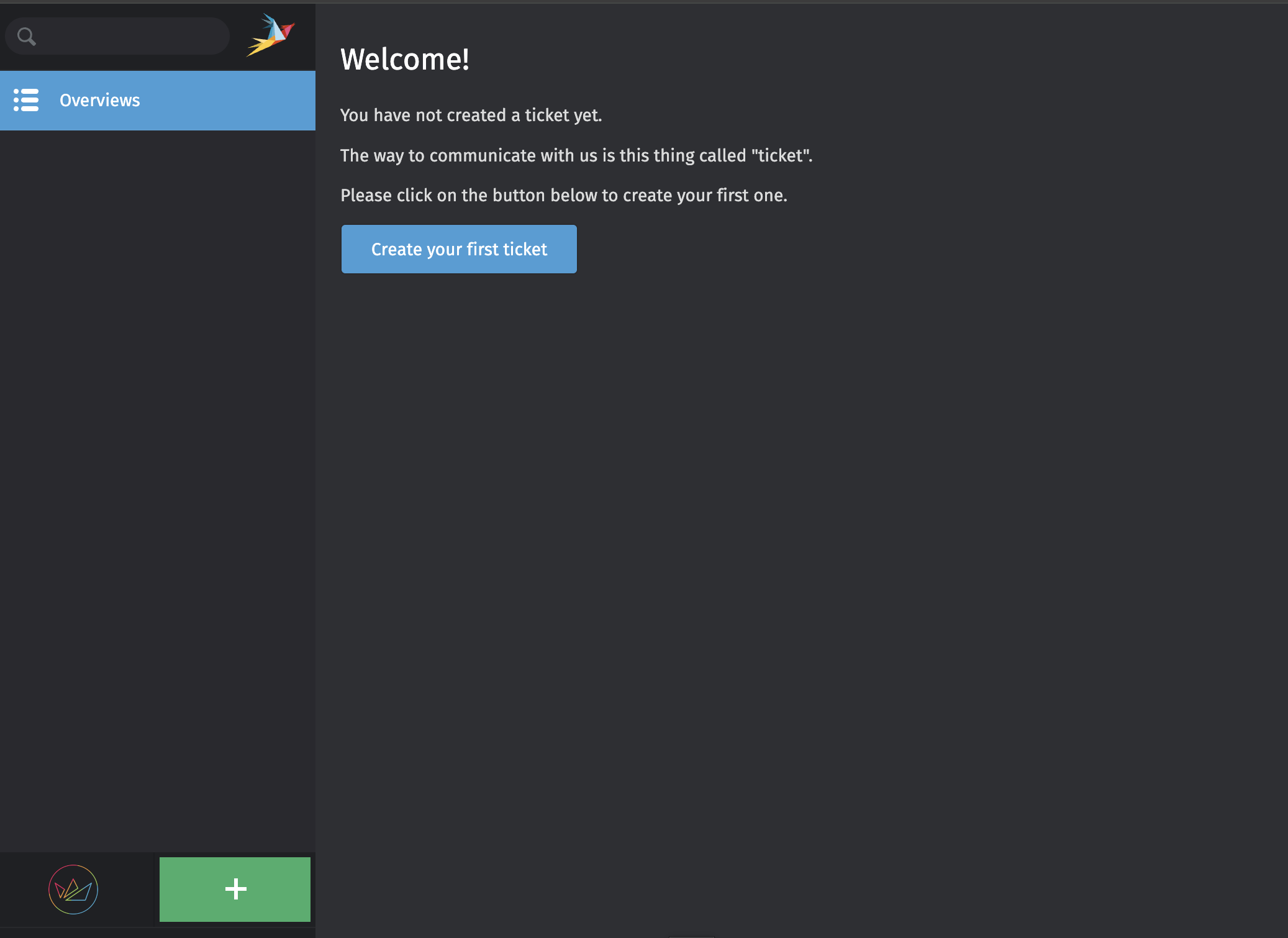
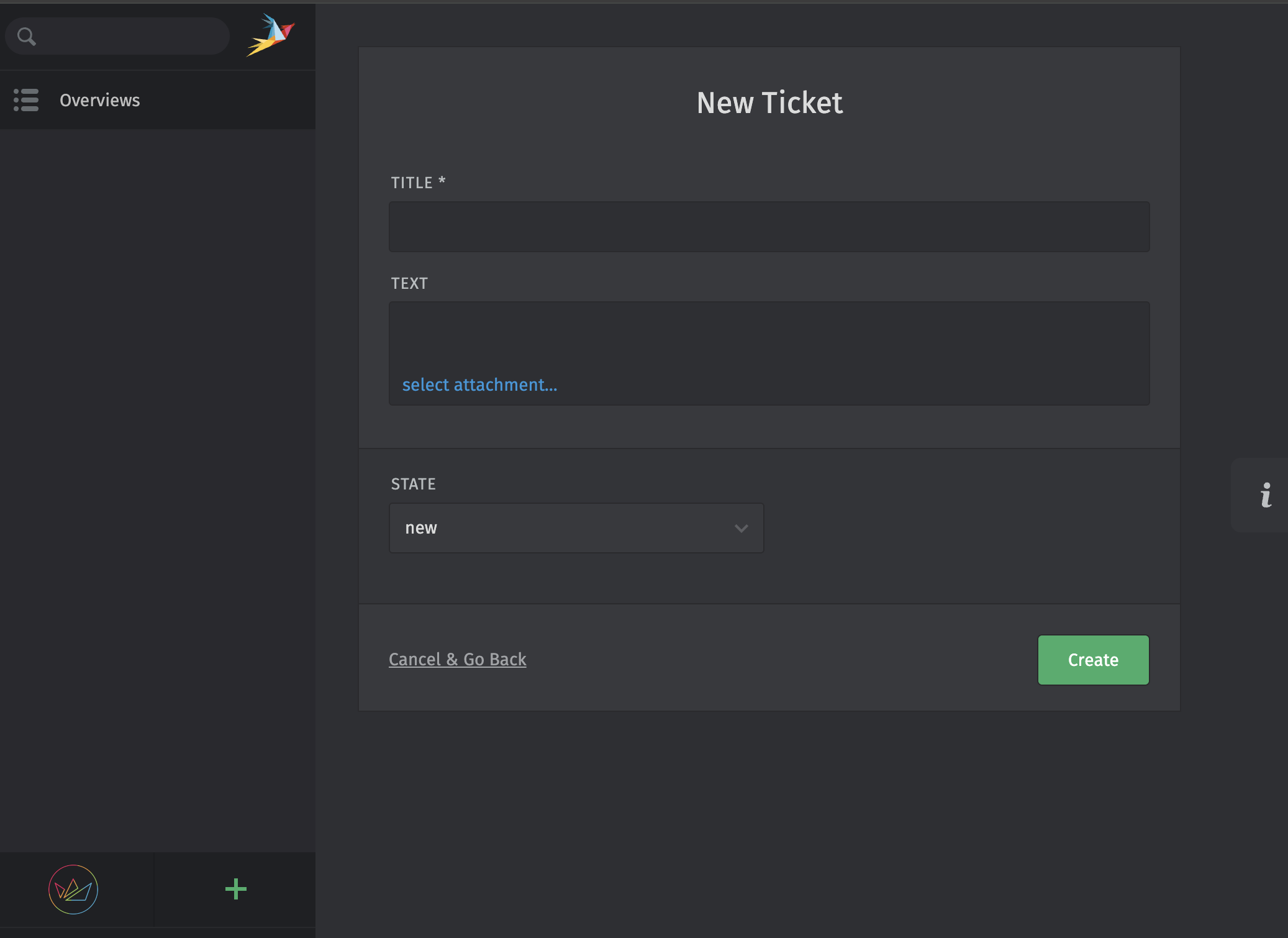
Once there, you can create a new support ticket via the + button:
 &
&
It's still possible to write us directly at [email protected] or [email protected], however, this will not automatically create an Royal Apps Account for you.
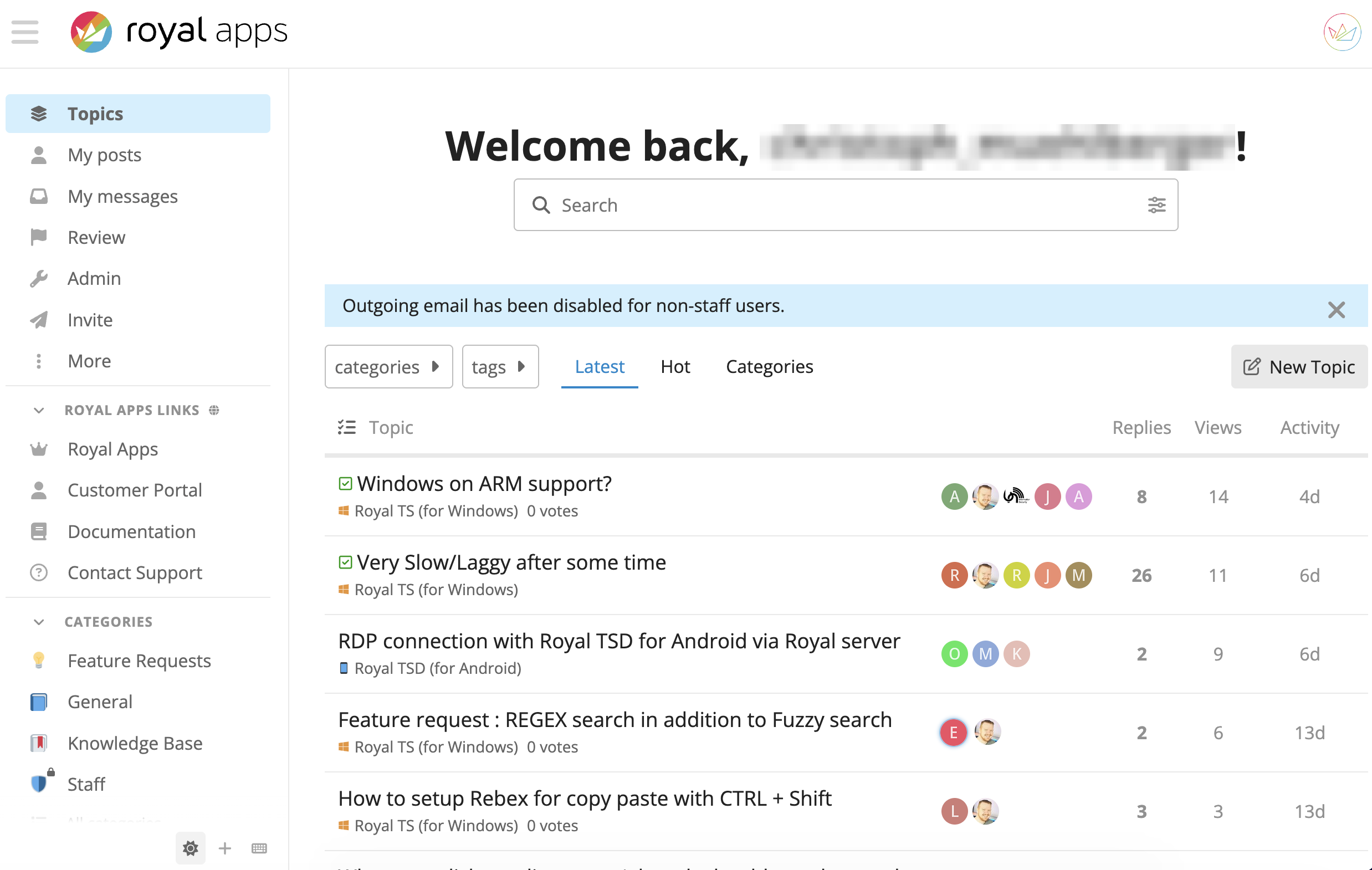
Lastly, you can access our Community page via royalapps.com/go/forum, which allows you to view and engage in our forums or read through our Knowledge-Base articles:
 &
&
Should you have any further questions or improvement ideas, don't hesitate to reach out.


