Blogging about Royal TS/X, Royal Server and Royal Passwords
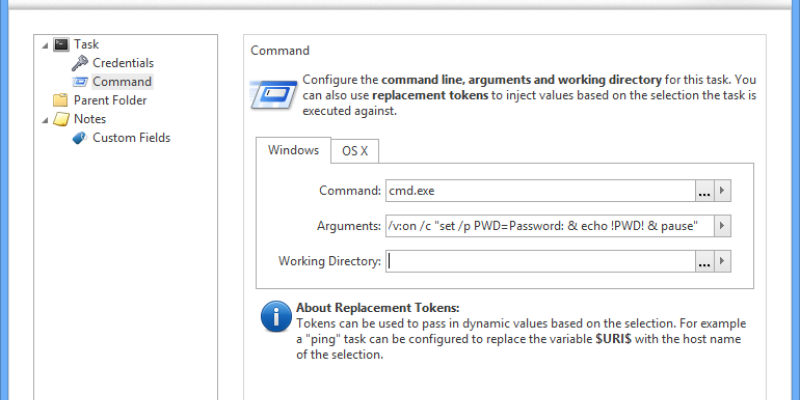
Command tasks in Royal TS are very versatile and can be used for many different things. You can use them in context of a connection to quickly execute a command like ping while using the computer name/IP address of the s...


We’re happy to announce a major milestone in the history of remote management tools. After almost a year of Royal TSX beta testing and more than 6 months of Royal TS 2.2 development, we are finally ready to release Ro...
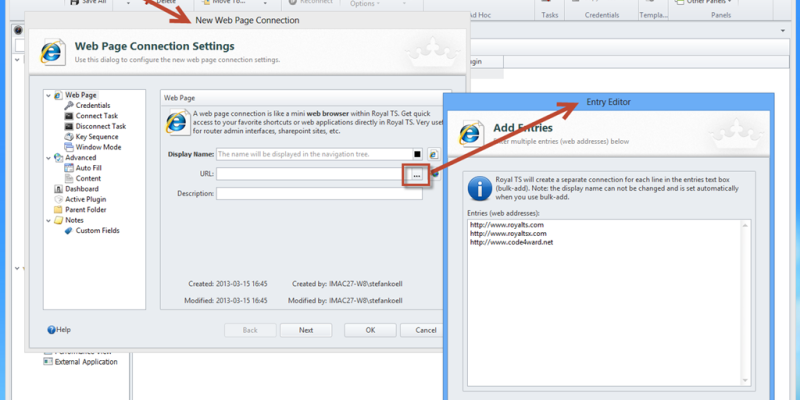
We had some very busy weeks and we are still not feature complete for the 2.2 release but we’re getting very close. A lot of “little” things and a lot of bigger things changed and are new. As a reminder, here are the big...

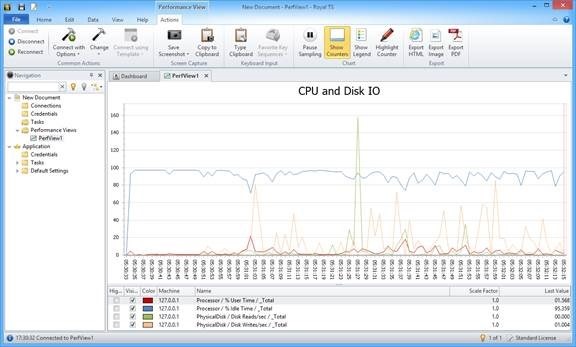
With Royal TS 2.2 we are proud to introduce the new “Performance View”. This type of connection enables you to have a real-time view on your servers using Windows performance counters. This way you can leverage your al...
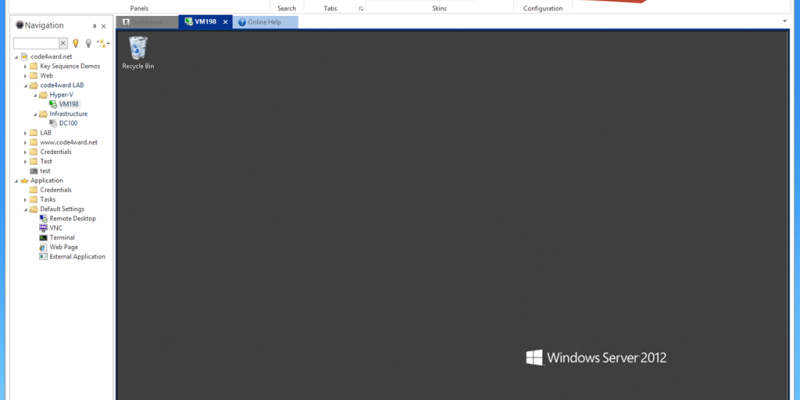
This is just a brief update on a couple of things we’ve been working on lately. 2.2 will still take some time until we can release it, we’ve also blogged about the new stuff you can do with 2.2 here, but this blog post...
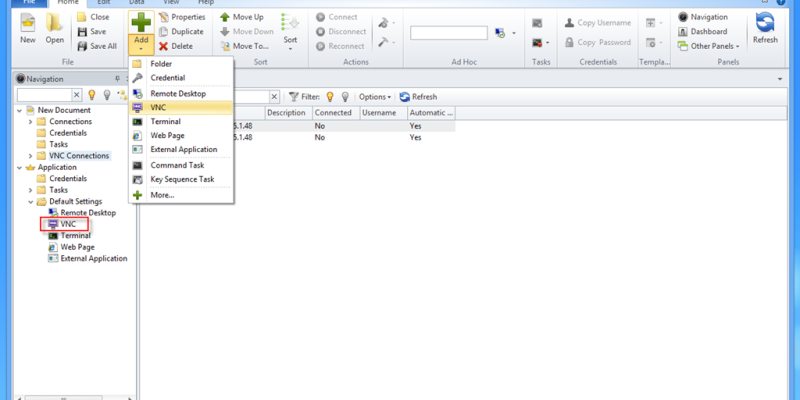
Royal TS 2.2 for Windows introduces many new things and some cool stuff. We’re still working on the beta releases which are far from feature complete but we wanted to provide access to those early builds as soon as possi...
Using Royal TS (for Windows)
There are basically two ways to get your mRemote connections into Royal TS:
- Use the Open command
- Use the Import mRemote file command
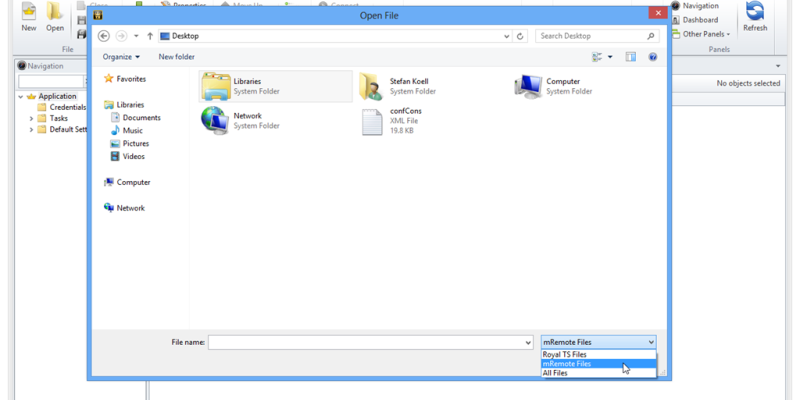
Using the Open Command
When you use File...


